Embedded Widgetの使用方法
<div class="wovn-embedded-widget"></div> を追加- - お客様は通常のウィジェットの外観で問題ありません。大きなカスタマイズは必要ありません
- - 役職を直接管理する. 顧客のメニュー バーの内側に挿入します
- - カスタム ウィジェットより使いやすい
How to use Embedded Widget
<div class="wovn-embedded-widget"></div> to your HTML- - Customer is OK with the normal widget appearance. Does not need major customization.
- - Have direct control over the position. Insert inside the customer's menu bar.
- - Easier to use than custom widget.
Scroll

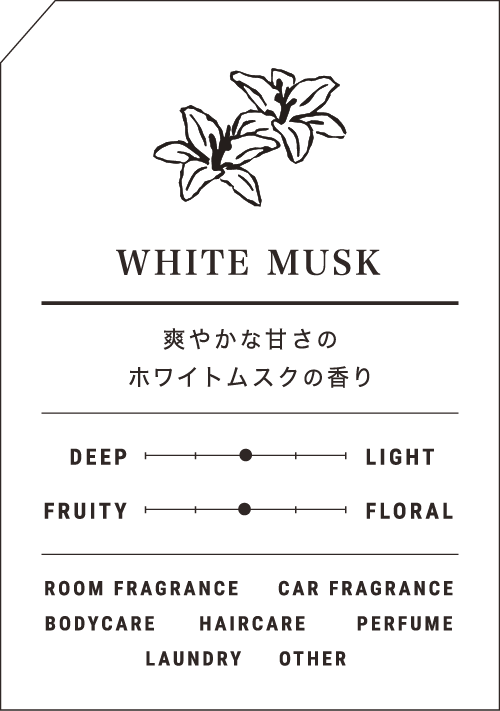
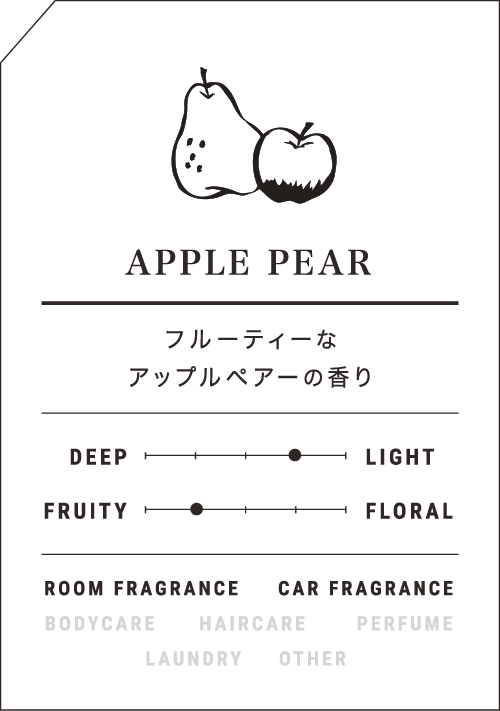
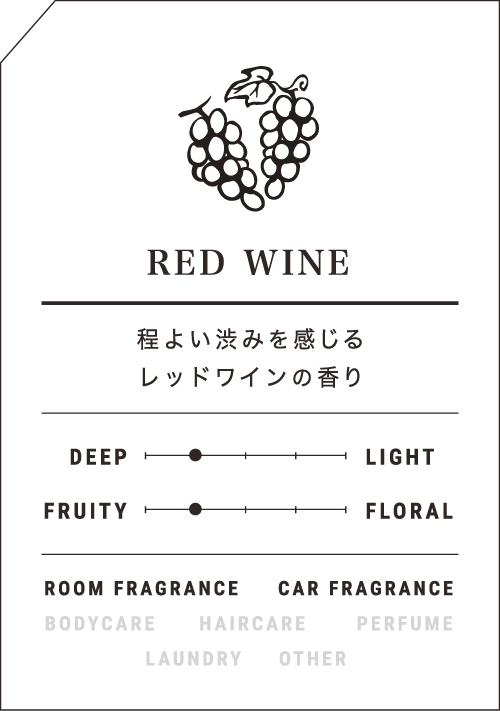
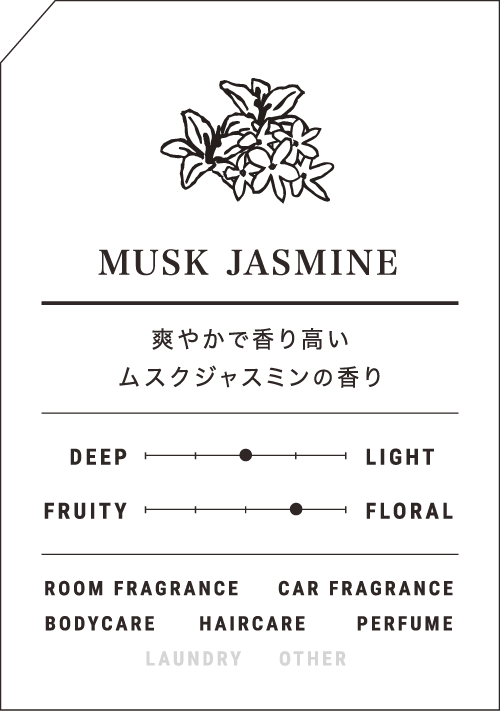
Even if you can not see "scent", it gives us various effects and images in our life.
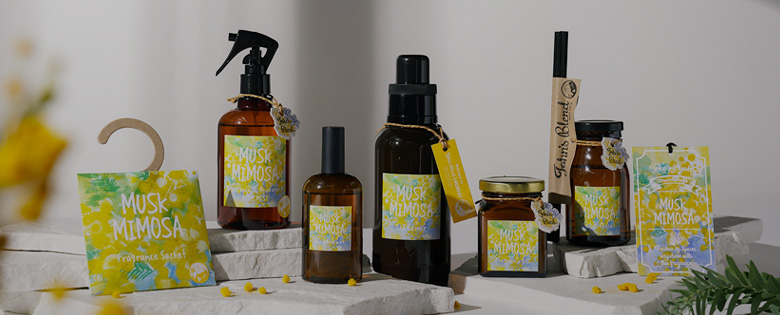
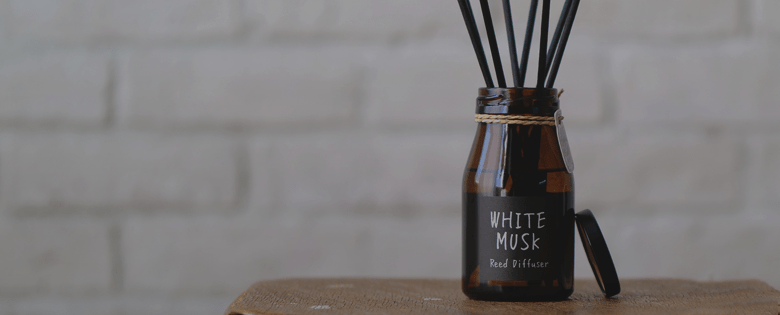
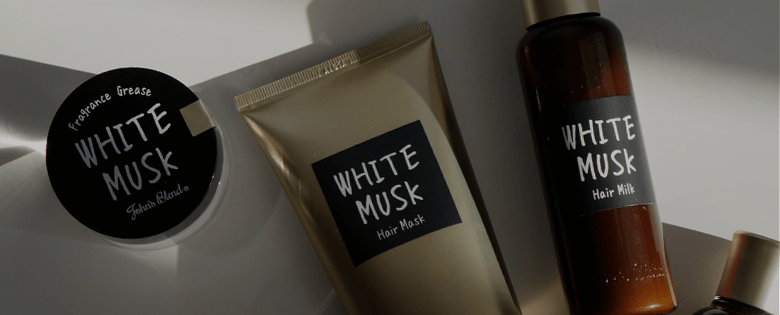
John's Blend was born out of the feeling that we wanted to have a good smell close to us and want us to enrich our daily lives. Just like the design that does not rely on patterns and carefully selected fragrances, the space you are currently living in will be more pleasant.
Please enjoy the fragrance of John commitment with fragrance and body care items that you can use in various scenes.



目に見えずとも、私たちの生活に様々な効果やイメージを与えてくれる、「香り」。
John’s Blendはいい香りを身近に感じることで、日々の生活が豊かになってほしいという想いから生まれました。
シンプルで柄に頼らないデザインと厳選された香りによって、今暮らしている空間がより心地よくなりますように。
様々なシーンでお使いいただけるフレグランスとボディケアアイテムで、Johnこだわりの香りをお楽しみください。